Varad
Varad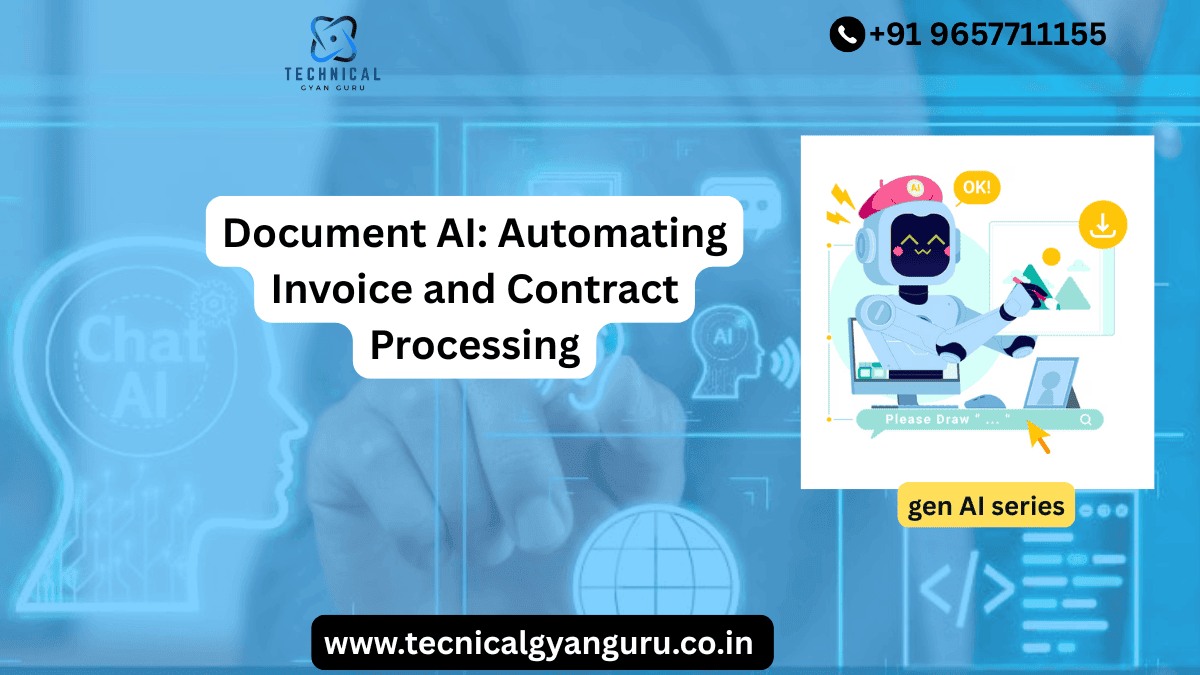
Every finance and legal team knows the feeling. A stack of invoices lands in the inbox on a Friday afternoon and someone has to key in vendor names, dates, line items and totals before the weekend even starts. A few desks over, a contracts manager is scrolling through a fifty page vendor agreement trying to find the renewal clause before a deadline passes. These are not glamorous tasks but they are the tasks that keep a business running, and for decades they have been done mostly by hand. Document AI is changing that reality, and it is doing it faster than most companies expected.
What Document AI Actually Means
Document AI is a category of technology that combines optical character recognition, natural language processing and machine learning to read, understand and extract information from documents the way a trained employee would, only at a much larger scale and without getting tired at 4pm on a Friday. Unlike older scanning tools that simply turned a PDF into searchable text, modern Document AI systems understand context. They know that the number next to the word Total is probably the invoice amount, and they know that a paragraph starting with In the event of termination is likely to be a termination clause in a contract.
This is a meaningful shift. Traditional optical character recognition could tell you what characters appeared on a page. Document AI tells you what those characters mean, how they relate to each other, and what a human should do next with that information.
The Building Blocks Behind the Scenes
Most Document AI platforms rely on three layers working together. The first layer handles image processing and text recognition, cleaning up scanned or photographed documents and converting them into machine readable text. The second layer applies natural language understanding models trained on millions of examples of invoices, purchase orders, leases and contracts so the system recognizes patterns like dates, monetary values, party names and obligations. The third layer applies business rules and validation logic, checking extracted data against existing records such as a vendor database or a contract repository to catch errors before they ever reach a human reviewer.
When these three layers work together well, a document that used to take fifteen minutes of manual entry can be processed in under thirty seconds, with far fewer mistakes.
Automating Invoice Processing
Invoice processing is often the first place companies apply Document AI because the return on investment is so easy to measure. A typical accounts payable team spends a large share of its time on data entry, matching invoices to purchase orders, and chasing down approvals. Document AI removes most of that manual burden.
How Invoice Automation Works Step by Step
The process usually starts when an invoice arrives by email, upload portal or scanner. The Document AI system identifies the document type, then extracts key fields such as vendor name, invoice number, invoice date, due date, line item descriptions, quantities, unit prices and the total amount due. It then cross references this information against open purchase orders and receiving records in a process known as three way matching. If everything lines up, the invoice can be routed straight into the approval workflow. If something looks off, for example the invoice total does not match the purchase order, the system flags it for a human to review rather than blocking the entire batch.
A mid sized manufacturing company processing 3000 invoices a month might have two full time employees dedicated to invoice entry and matching. After implementing Document AI, that same volume can often be handled with a fraction of the manual effort, freeing those employees to focus on exception handling, vendor relationships and cash flow analysis instead of typing numbers into a spreadsheet.
Real World Impact on Accounts Payable
Companies that automate invoice processing typically report three consistent benefits. Processing time drops from days to hours or even minutes. Error rates fall sharply because the system is not prone to fat finger mistakes or transposed digits. Early payment discounts become easier to capture because invoices move through approval fast enough to hit vendor discount windows that used to be missed simply because paperwork was sitting in someone’s inbox.
There is also a less obvious benefit around audit readiness. Because every extracted field is logged and every exception is tracked, finance teams have a much cleaner trail to show auditors exactly how and when an invoice was approved and paid.
Automating Contract Processing
Contracts are a different animal from invoices. They are longer, less standardized and full of nuance that a rigid rules engine struggles to handle. This is exactly where the language understanding side of Document AI earns its keep.
Extracting Key Clauses and Obligations
A well built Document AI system can scan a contract and pull out the information legal and procurement teams actually care about. That includes effective dates, renewal terms, termination clauses, payment terms, liability caps, confidentiality obligations and governing law. Instead of a paralegal manually highlighting a hundred page master services agreement, the system produces a structured summary in minutes, with links back to the exact page and paragraph where each clause appears.
This matters more than it might seem at first glance. Missing a ninety day renewal notice window in a vendor contract can cost a company an unwanted auto renewal for another full year. Document AI systems can be configured to flag upcoming renewal and termination dates automatically, turning a manual calendar tracking exercise into an automated alert.
Risk Flagging and Contract Comparison
Beyond extraction, more advanced platforms compare incoming contracts against a company’s preferred playbook language. If a vendor’s proposed indemnification clause deviates from the standard template, the system highlights the difference so legal reviewers can focus their attention where it matters most instead of rereading every paragraph from scratch. Some tools go a step further and compare multiple versions of a contract during negotiation, showing exactly what changed between drafts without anyone having to manually track changes line by line.
For a company managing hundreds of vendor and customer contracts, this kind of automated risk flagging can cut contract review time by more than half while actually improving the consistency of the review itself, since the system never skips a clause because it is tired at the end of a long day.
Why This Matters Beyond Time Savings
It is tempting to think of Document AI purely as a speed upgrade, but the value goes deeper than that.
Better Data for Better Decisions
Once invoice and contract data lives in a structured, searchable format instead of scattered PDFs, finance and legal teams can finally ask questions that used to be nearly impossible to answer quickly. Which vendors consistently send invoices with errors? Which contracts have payment terms longer than sixty days? How many active agreements include an automatic renewal clause expiring in the next quarter? These questions used to require someone to manually dig through file cabinets or shared drives. With structured data, they become a simple search or report.
Reduced Compliance Risk
Regulated industries in particular benefit from the audit trail that Document AI creates. Every extraction, every exception and every approval is timestamped and logged. When a regulator or internal auditor asks how a specific payment was approved, the answer is a few clicks away instead of a multi day scramble through email threads and shared folders.
Happier, More Strategic Teams
Perhaps the most underrated benefit is what happens to the people who used to do this work manually. Data entry and clause hunting are not the reasons most finance and legal professionals chose their careers. When Document AI takes over the repetitive parts of the job, those same employees get to spend more time on vendor negotiations, cash flow planning, contract strategy and the kind of judgment based work that actually requires a human brain.
Common Challenges and How to Handle Them
No technology rollout is completely smooth, and Document AI is no exception. Being aware of the common pitfalls makes implementation much easier.
Document Variety and Quality
Not every invoice looks the same. Some vendors send clean digital PDFs while others send scanned faxes from a machine that has clearly seen better decades. Document AI systems handle high quality digital documents very well, but accuracy can dip with poor scans or unusual formats. The practical fix is to set clear confidence thresholds so that low confidence extractions are automatically routed to a human reviewer rather than silently accepted, which prevents bad data from slipping into the system unnoticed.
Integration With Existing Systems
Document AI does not operate in a vacuum. It needs to connect with your accounting software, your contract lifecycle management platform and your approval workflows. Companies that treat integration as an afterthought often end up with a powerful extraction tool that still requires someone to manually copy data into the next system, which defeats much of the purpose. Planning integration from day one, rather than bolting it on later, makes a significant difference in realized value.
Change Management
The technical rollout is often easier than the human rollout. Employees who have processed invoices manually for years may worry the tool is coming for their job rather than their tedious tasks. Clear communication about how roles will shift toward exception handling and higher value work, along with proper training on the new tools, tends to smooth this transition considerably.
Best Practices for a Successful Rollout
Companies that see the strongest results from Document AI tend to follow a similar playbook. They start with a single well defined use case, such as vendor invoice processing, rather than trying to automate every document type at once. They involve the actual end users, the accounts payable clerks and paralegals who will use the tool daily, in testing and feedback before a full rollout. They set realistic accuracy expectations, understanding that the system will improve over time as it processes more documents and learns from corrections. And they measure results consistently, tracking metrics like processing time, error rate and cost per document so the return on investment is visible and easy to communicate to leadership.
Looking Ahead
Document AI is still improving quickly. Newer models are getting better at handling handwritten notes, multilingual documents and highly unusual contract formats that used to trip up earlier systems. Integration with broader business process automation is also becoming more common, meaning an invoice or contract does not just get read by the system, it can trigger downstream actions automatically, from updating a vendor record to scheduling a contract renewal review.
For businesses still relying on manual data entry and clause by clause contract review, the gap between them and competitors already using Document AI is likely to widen. The good news is that getting started no longer requires a massive technical team or a multi year project. Many platforms today are designed to plug into existing accounting and legal workflows with a relatively short setup period, which means the benefits of faster processing, cleaner data and lower risk are within reach for companies of nearly any size.
Final Thoughts
Invoice and contract processing will probably never be anyone’s favorite part of the job, but it does not have to consume the hours it once did. Document AI takes the repetitive, error prone parts of reading and extracting information from documents and hands them to a system that does not get tired, does not miss a renewal date buried on page forty, and does not mistype a total at the end of a long week. For finance and legal teams looking to work smarter rather than simply harder, this is one of the clearest and most practical applications of artificial intelligence available right now