

 Varad
Varad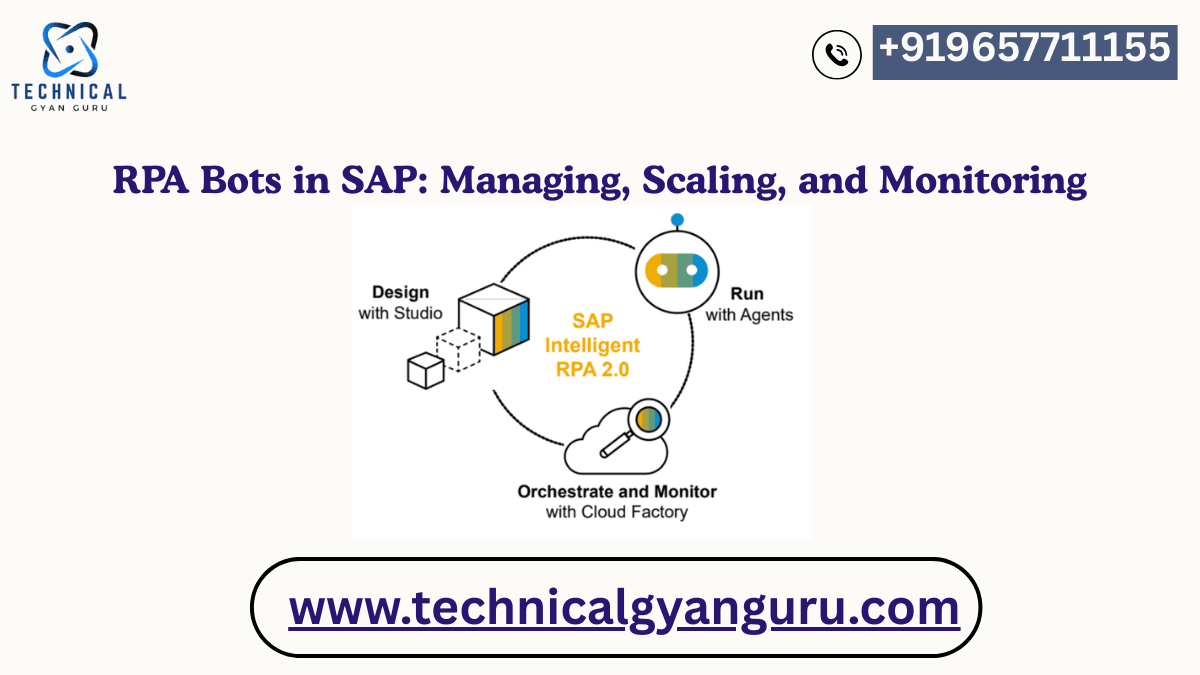
Robotic Process Automation (RPA) has become one of the most impactful technologies in modern enterprises, especially for organizations running SAP. From automating repetitive data-entry tasks to improving accuracy across financial transactions, RPA bots in SAP help businesses streamline operations, boost productivity, and reduce errors.
But the real challenge starts after bots are deployed. Many companies struggle with managing, scaling, and monitoring their SAP automation efforts. Without the right practices, bots can break, fail unexpectedly, or deliver inconsistent results. For beginners, understanding how to run and scale RPA bots in SAP the right way is essential for long-term success.
In this detailed and easy-to-understand guide, you’ll learn how RPA bots work within SAP, how to manage and scale them, and how to establish strong monitoring practices. Whether you’re a new learner, a developer, or part of an automation team, this blog provides a practical roadmap you can apply immediately.
Understanding RPA Bots in SAP
RPA bots in SAP are software robots that mimic human actions to execute business tasks such as:
- Entering data into SAP
- Extracting data from reports
- Validating records
- Processing transactions
- Running background jobs
- Automating workflows across SAP modules
These bots work through:
- SAP GUI automation
- SAP Fiori automation
- SAP API integration
- BAPI and RFC calls
- IDocs and file-based automation
- OCR and document understanding
Beginners often start with surface-level automation (GUI or screen-based), but advanced teams move toward API and BTP automation for more stability.
Why RPA Bots Matter in SAP Environments
SAP systems are deeply complex, and manual execution often leads to:
- Data-entry errors
- Slow transaction processing
- High operational costs
- Compliance issues
- Resource-heavy month-end and year-end processes
RPA bots solve these problems by providing:
- 24×7 execution
- Speed and accuracy
- Scalable workflows
- Easy integration
- Reduced workload for SAP teams
This is why most enterprises are integrating RPA as part of their broader SAP automation strategy.
Managing RPA Bots in SAP
Managing bots effectively is the foundation of successful automation. Here are the core areas to focus on:
Bot Lifecycle Management
A typical SAP bot lifecycle includes:
- Opportunity identification
- Design and documentation
- Development
- Testing (UAT + SAP-specific regression testing)
- Deployment
- Monitoring and maintenance
- Continuous improvement
Clear lifecycle management ensures consistency and reduces bot failures.
Access and Security Management
Since RPA bots interact with SAP systems using credentials, secure access is essential.
Best practices include:
- Using dedicated bot user IDs
- Assigning only required roles and authorizations
- Implementing credential vaults
- Enforcing multi-factor authentication
- Logging all bot interactions
Bots should never run on real user IDs.
Job Scheduling and Orchestration
RPA bots need proper scheduling to avoid SAP performance issues.
Use orchestrators like:
- UiPath Orchestrator
- Automation Anywhere Control Room
- Blue Prism Control Center
- SAP Build Process Automation
Schedulers help:
- Trigger bots at the right time
- Manage resource usage
- Assign bots to queues
- Avoid system overload
Scaling RPA Bots in SAP
Scaling is the point where automation truly starts providing enterprise-level value. To scale RPA bots in SAP, consider the following:
Standardization and Reusability
Building reusable automation components helps scale faster.
Reusable assets include:
- SAP login modules
- SAP Fiori navigation blocks
- Error-handling frameworks
- Standardized input templates
- Data extraction modules
- API connectors
A reusable library reduces future development time by 30–40%.
Centralized Governance Model
A well-structured governance framework helps teams scale safely.
Governance covers:
- Coding standards
- Documentation templates
- Naming conventions
- Bot deployment policies
- Testing procedures
- Audit and compliance rules
This governance is often managed by an Automation CoE (Center of Excellence).
Choosing the Right Automation Approach
Scaling requires stable, maintainable automation.
Choose the right type of automation based on the SAP landscape:
- SAP GUI automation – for older interfaces
- SAP Fiori automation – for S/4HANA
- API automation – highest stability, best performance
- Document automation – for OCR-based workflows
API-first automation is ideal for large-scale enterprise deployments.
Infrastructure and Licensing Planning
Scaling RPA bots requires planning:
- Bot runtime licenses
- Virtual machines
- Orchestrator capacity
- Load balancing
- Failover and redundancy
- Disaster recovery
These considerations help ensure your bots can run without disruption.
Monitoring RPA Bots in SAP
Monitoring is one of the most critical parts of bot management.
Real-Time Bot Monitoring
You should track:
- Bot runtime status
- Execution success/failure
- Queue load
- System errors
- SAP transaction errors
- API response failures
Modern orchestrators provide dashboards for real-time visibility.
Error Handling and Alerting
Bots should have:
- Robust exception handling
- Retry logic
- Notification alerts
- Email/SMS/Slack integration
A failed bot should immediately alert the support team.
Logging and Audit Trails
Logs are essential for compliance, debugging, and tracking SAP interactions.
A good logging strategy includes:
- Transaction logs
- API logs
- SAP response logs
- System logs
- Error logs
Logs should be stored centrally for easy access.
Performance Optimization
Monitor performance metrics such as:
- Bot execution time
- SAP response time
- Resource usage
- Throughput trends
Optimization helps keep bots running efficiently during SAP peak hours.
Real-World Use Cases for RPA Bots in SAP
Here are the most common SAP use cases automated using RPA bots:
• Purchase Order (PO) creation and validation
• Vendor invoice processing
• Sales order entry
• Master data updates
• Inventory reconciliation
• HR onboarding in SAP SuccessFactors
• Financial posting and reconciliation
• Data migration and cleanup
• SAP report generation and distribution
• Month-end closing activities
Use cases with repetitive, rule-based processes are ideal for RPA automation.
Best Practices for Success with RPA Bots in SAP
To ensure long-term stability and growth, follow these best practices:
- Always test bots after SAP patches or upgrades
- Move toward API-based automation
- Use version control and CI/CD pipelines
- Build reusable frameworks
- Document every bot thoroughly
- Schedule bots during non-peak SAP hours
- Maintain collaboration between IT, SAP, and business teams
- Align with a CoE governance structure
These best practices will dramatically reduce bot failures and maintenance time.
Conclusion
RPA bots in SAP can significantly transform enterprise operations—reducing manual workload, improving accuracy, and allowing teams to focus on strategic work. But the true power of automation is unlocked only when bots are managed, scaled, and monitored effectively.
With strong governance, reusable frameworks, secure access, and proactive monitoring, organizations can build high-performing RPA ecosystems that support SAP landscapes for years to come. Whether you’re a developer, consultant, or beginner, this guide gives you everything you need to get started and grow in SAP automation.
If you want more in-depth resources, tutorials, or training programs, feel free to explore our additional SAP automation guides.
Building Cloud-Native ABAP Applications: A Guide to Modern SAP Development
How to Create RAP business events in SAP BTP ABAP Environment ?






