

 Varad
Varad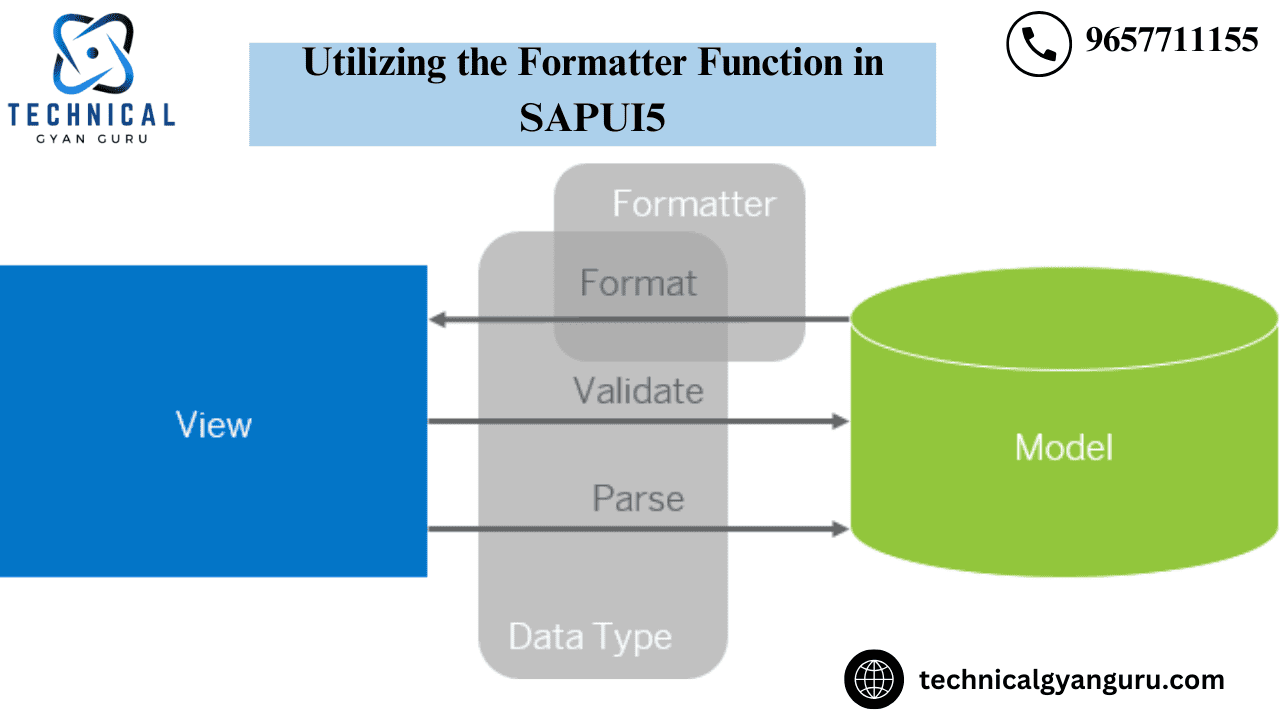
To format the data that is being rendered on different UI controls on the UI screen, formatter functions are utilized. For instance, flag indicators like 0,1,2, etc. are returned by the data being received from the backend using an Odata Model. Additionally, you want to provide the user a meaningful sentence that corresponds to the flag. In this instance, the formatter function will be called, formatting the flag to appear to the user as a meaningful text.
We will go through an example of a formatter function in this tutorial. A JSON model will be created, and one of its properties—which contain codes or flag values—will be bound to a text field on the user interface. Next, a formatter function will be defined and attached to the text field on the user interface. We will implement logic to return corresponding meaningful text for a given input flag or code within the formatter function specification.
1. Create JSON Model
var oModel = new sap.ui.model.json.JSONModel();
oModel.setData({code:"1"});
sap.ui.getCore().setModel(oModel);
2. Create Text View in the View file
var oTextView = new sap.ui.commons.TextView("textView", {
    // bind text property of textview to code property of model
    text: "{/code}",
    formatter: '.formatter.statusText'
});
3. Create Formatter.js file
Make a file called formatter.js in the WebContent/model folder.
sap.ui.define([], function () {
 "use strict";
 return {
 statusText: function (sStatus) {
 switch (sStatus) {
 case "0":
 return 'New';
 case "1":
 return 'In Progress';
 case "2":
 return 'Completed';
 default:
 return sStatus;
 }
 }
 };
});
4. Refer formatter.js file in View’s Controller
Define
sap.ui.define([
 "sap/ui/core/mvc/Controller",
 "sap/ui/model/json/JSONModel",
 "sap/ui/demo/wt/model/formatter"
], function (Controller, JSONModel, formatter) {
 "use strict";
 return Controller.extend("org.test.controller.Sample", {
 formatter: formatter,
Output
After this coding is finished, the output below will show up on the screen.
The output will be “New” in accordance with the formatter function description in step 3 above when the “code” property value is 0.

According to the formatter function description, the output will state “In Progress” when the “code” property value is 1.

When ‘code’ property value is 2, output will be ‘Completed’ as per formatter function definition

This is an easy illustration of the formatter function in SAPUI5.Even if the formatting is quite complex, the steps remain the same.Formatters are quite helpful in many real-world project scenarios for tasks like changing the output color and an element’s visibility, among many other things.
Please use the comment section to ask any queries you may have. We respond to each and every comment.
Read Our blog here:-
Mastering Customer 360 in Salesforce






