

 Varad
Varad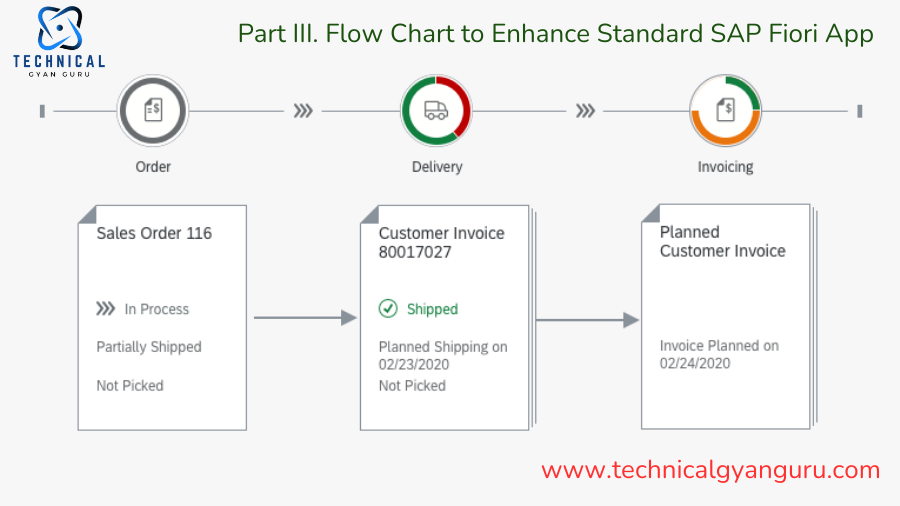
We studied how to set up and use two common Fiori Apps in our earlier Fiori article. We are certain that you are familiar with terms like embedded systems and hub systems by this point. Additionally, we think that the backend OData Service and the front end UI Service can be distinguished from one another.
We would only be able to show you three flow charts today. These are meant to pique your interest in finding out more about the improvements made to the SAP standard Fiori App. We will go through each step-by-step process of improving the Fiori interface and backend in our upcoming blog. Every Fiori enhancement project would include one or more of the three needs listed below. Cover up the current screen components.
Enhance the default Fiori app for timesheet approval, per business requirement.
Create a new column named Ext Source (External Source) and include a check box in the item column. If the user who created the time has a user ID that begins with Ext, then indicate ‘X’ in this field; otherwise, leave it empty. Time created by an external system is denoted by “X”.
Take off the “Reject” button. Companies do not wish to be rejected at the front end.

A actual client’s business requirement is the basis for the three Fiori App enhancements mentioned above. Get more information about the Approve Timesheets App, see the SAP Fiori Library.

Process Diagram 1:
We DO NOT need to improve the backend OData Service if the frontend UI screen needs to display extra fields that are already present in the OData Entity Type. The majority of video tutorials demonstrate how to show or hide front-end elements with the assumption that every field and property in an OData Entity Type will always be present. Generally speaking, though, you would have to include more custom fields in the OData Entity Type and make them available through the front-end user interface.We must improve the default OData service in these situations and add the new properties.

Second Flow Diagram:
We must improve or expand the standard project if there is even the slightest need to alter the frontend user interface. We would use SAP WebIDE (not Eclipse) for the enhancement in our lesson. Similar to enhancement spot/badi/exit, SAP provides standard extension points that can be utilized to do the alteration as illustrated in the flow chart below.

Flow Diagram 3:
It is essential that you use the enhanced OData rather than the default OData from the frontend if you have made changes to the backend OData. We have improved the user interface (UI) in flow chart 2.We didn’t alter any settings to enable the UI to retrieve data from the new OData service.Please take the short procedures listed below to replace the outdated standard OData service with the newly redefined OData service and inform your UI project which OData to use moving forward.

It may not have been entirely obvious how the business requirement could be satisfied, I’m sure. The goal was to provide you with a high-level summary of the procedures. You now know that there are three things to do, at least, after looking over the three flow charts above.I had no idea what flow chart 3 was when I first started learning and was always curious about how to get the user interface to point to the new OData.The purpose of this post is to set the stage for our upcoming post, in which we will reveal the entire smorgasbord to you.
Please continue to watch. We have promised to prepare ourselves for Fiori as well as you.
you may be interested in this blog here:-
How Will Salesforce Essentials help small businesses grow faster?
The Journey of Alex: From Confusion to Clarity in SAP Software Meaning
Is data element WDY_BOOLEAN and Flag (Char1) same for Web Dynpro ALV?






